 Winnie audio tag editor
The eight tags that matter
Title, Artist, Album, Album Artist, Year, Track, Genre and Composer, on every supported format.
Winnie Audio Tag Editor fixes the tags in your MP3, FLAC and AAC files. Open a folder, correct titles, artists, albums and cover art, and save. Your audio is never re-encoded.
No account. No internet connection. Your files never leave your device.
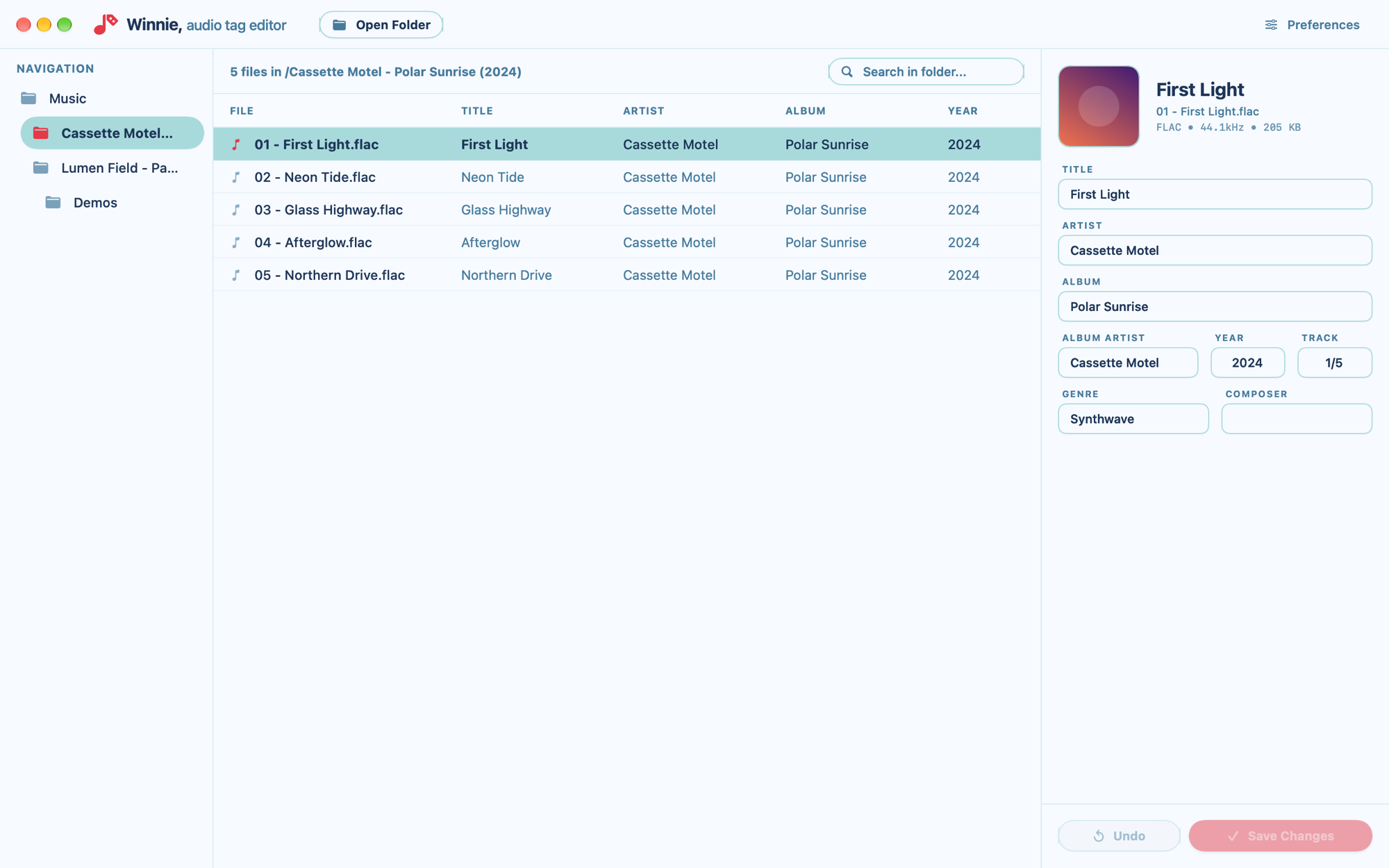
No library to import into and nothing to export. Only the tags you change are rewritten; the audio and every other tag stay exactly as they were.
Features
Title, Artist, Album, Album Artist, Year, Track, Genre and Composer, on every supported format.
Pick a JPEG or PNG and it is embedded exactly as it is, without being resized or recompressed.
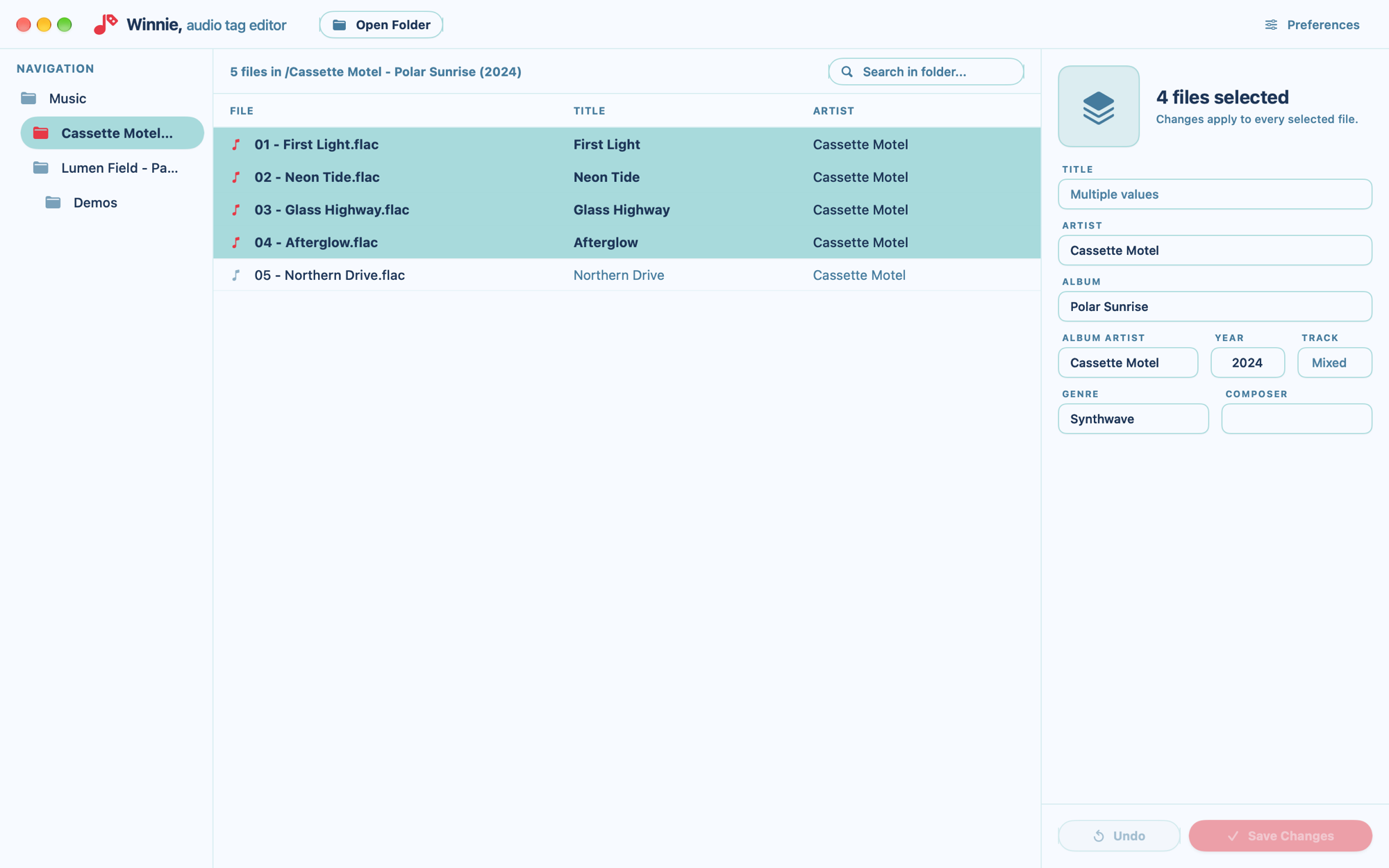
On the Mac, select a whole album and set its artist, year or cover in one go. Tags that differ are left alone.
Open a folder and browse its subfolders in a tree. Search a folder by file name or title.
Unsaved files are marked in red until you save. Save one file, the selection, or everything at once; Undo discards unsaved edits.
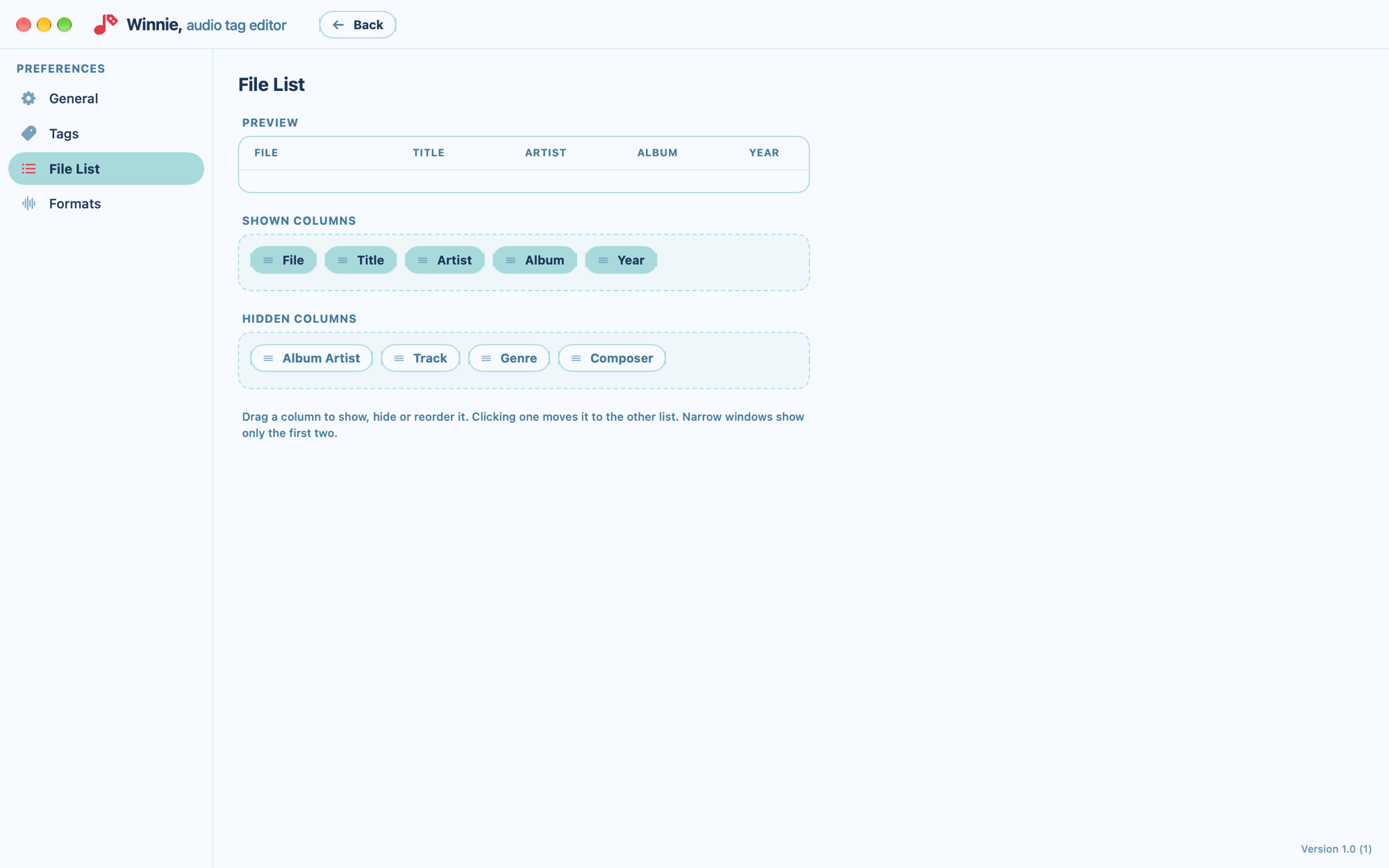
Show any tag as a column in the file list and drag the columns into the order you like.
Type any genre, or switch to a dropdown and keep your own list of genres: add, rename and remove them.
Write ID3v2.3 or ID3v2.4, pick the text encoding, and keep a file's modification date when saving if you want to.
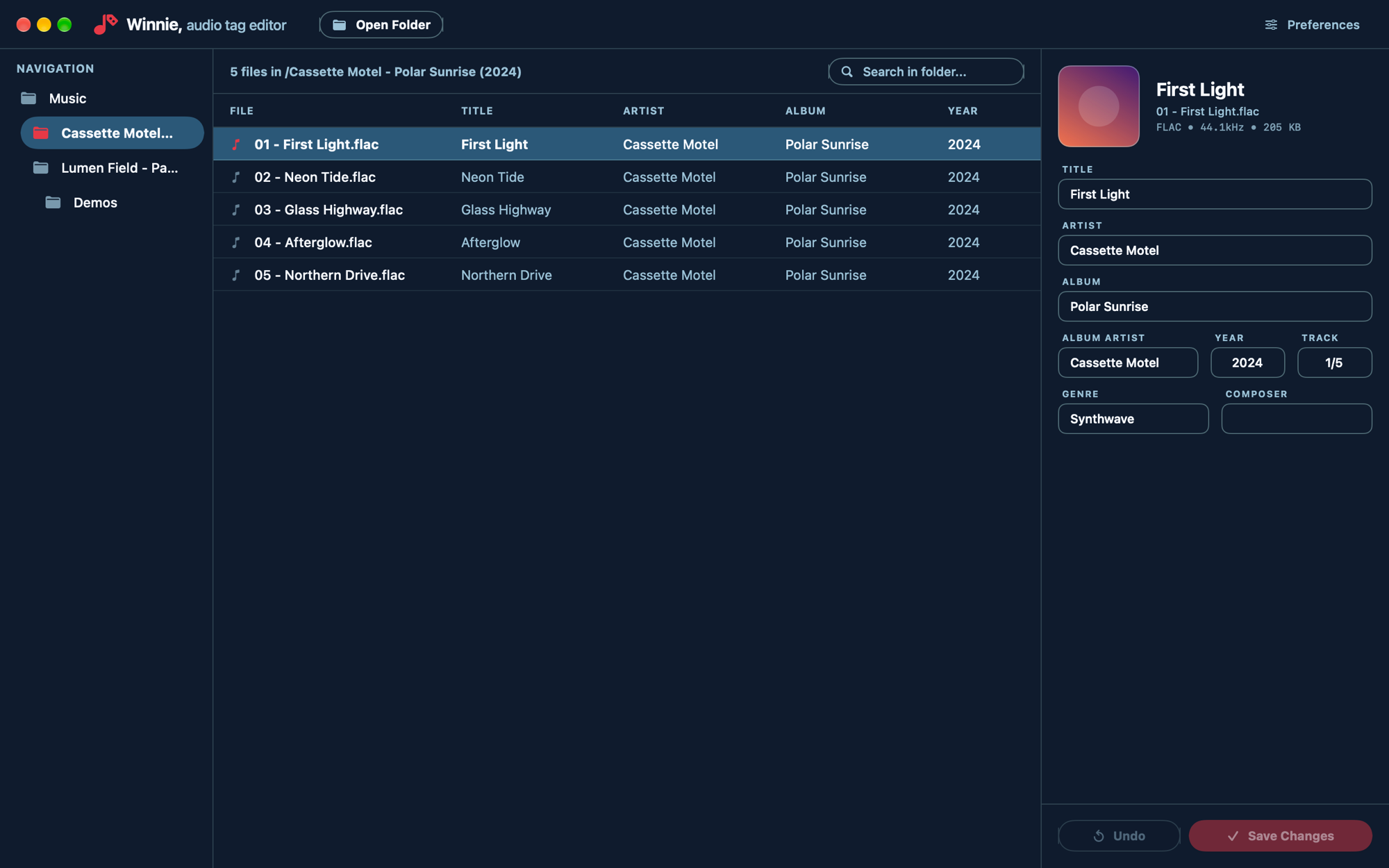
Follows your system appearance or stays light or dark. The interface and the built-in user guide come in English and Spanish.
Bulk edit · Mac
Hold ⌘ or ⇧ and click to select several files. Type in a field and the value goes to every selected file.
File list
In Preferences, drag columns between Shown and Hidden and into the order you want. A preview shows the heading your list will have.
Appearance
Winnie follows your system's light or dark appearance, or you can pin it to one in Preferences.
Also on iPad
Open a folder from the Files app and edit its tags with the same three-pane layout: folders, files and the tag editor side by side.
Selecting several files at once is available on the Mac.
Get it for iPad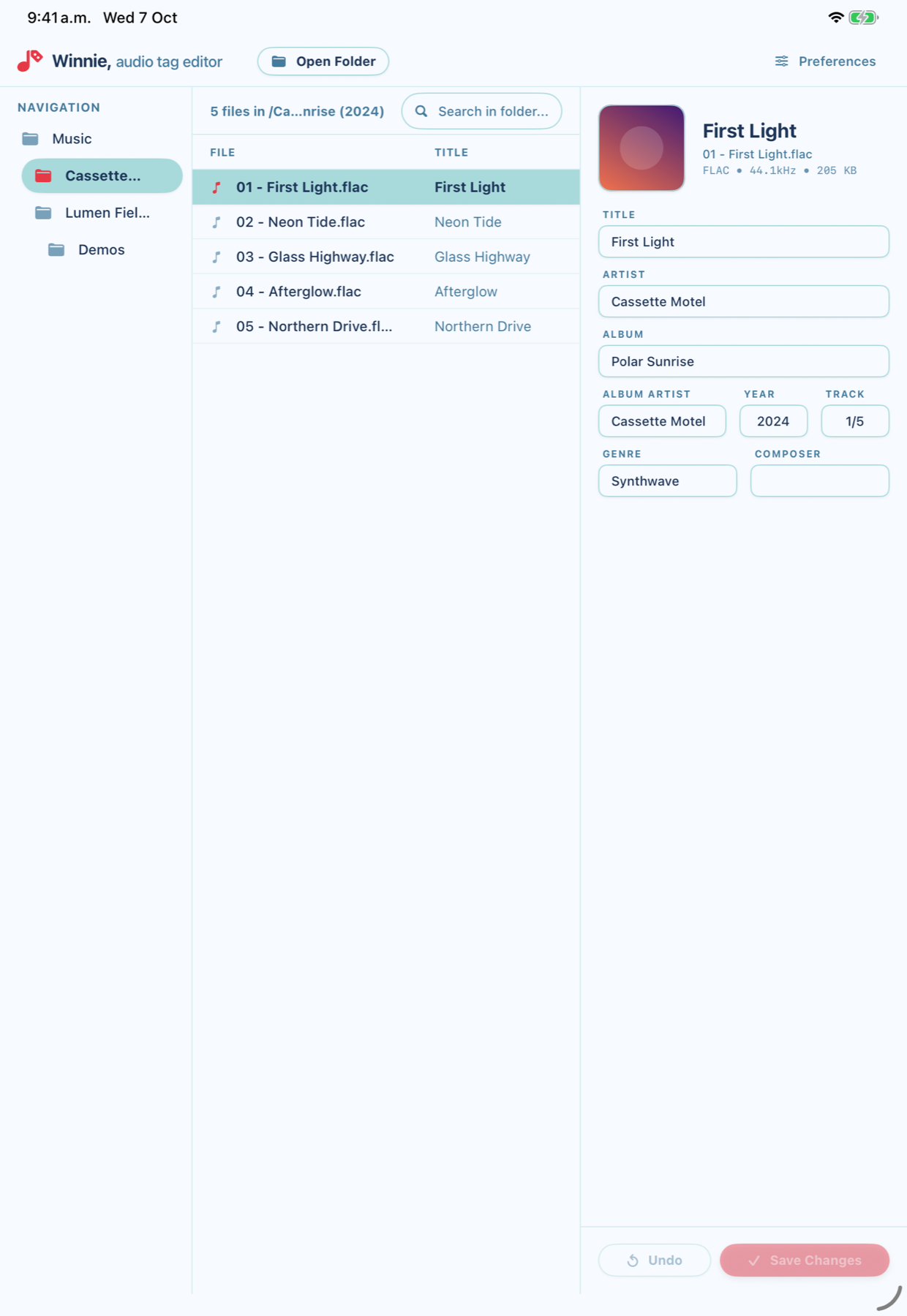
Privacy
Winnie makes no network requests at all. There is nothing to send and nowhere to send it.
No analytics, no tracking, no advertising, no account. Your preferences are stored on your device only.
Winnie reads and writes inside the folder you choose, and nowhere else.
Requirements
Native. Offline. Yours.