 Juliet
Open Settings → Server
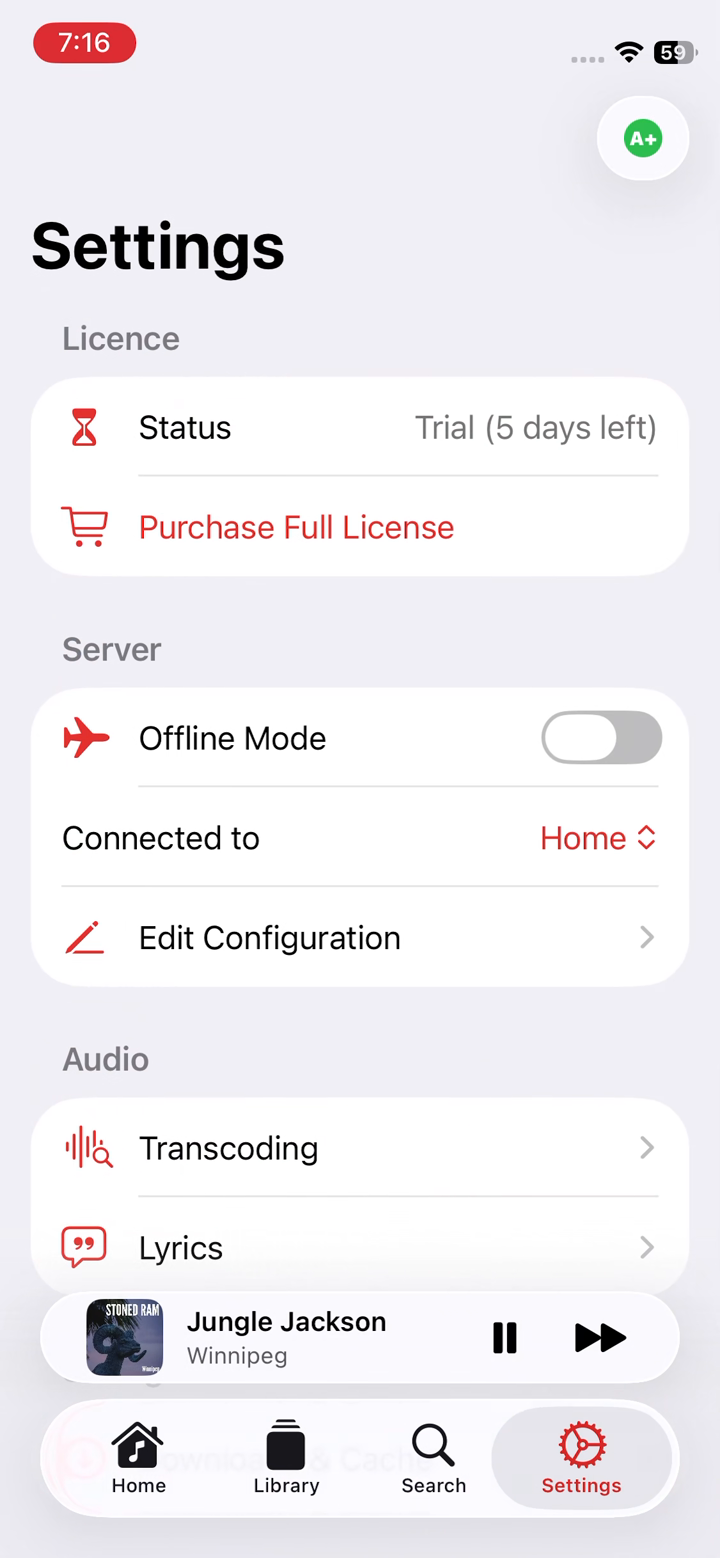
Tap the Settings tab and find the Server section. This is home base for your connection: an Offline Mode switch, a Connected to selector, and Edit Configuration.
Tap Edit Configuration to open your server's addresses and sign-in details.
Enter your local and remote addresses
In Edit Configuration you'll give your server up to two addresses, plus the username and password you already use for Subsonic or OpenSubsonic:
The remote address is the one Juliet uses away from home, so it needs to be reachable from the internet. Only fill in what you have. If you just want remote access, the remote address alone is enough. Your credentials are stored in the iOS Keychain, never in plain text.
Save and start listening
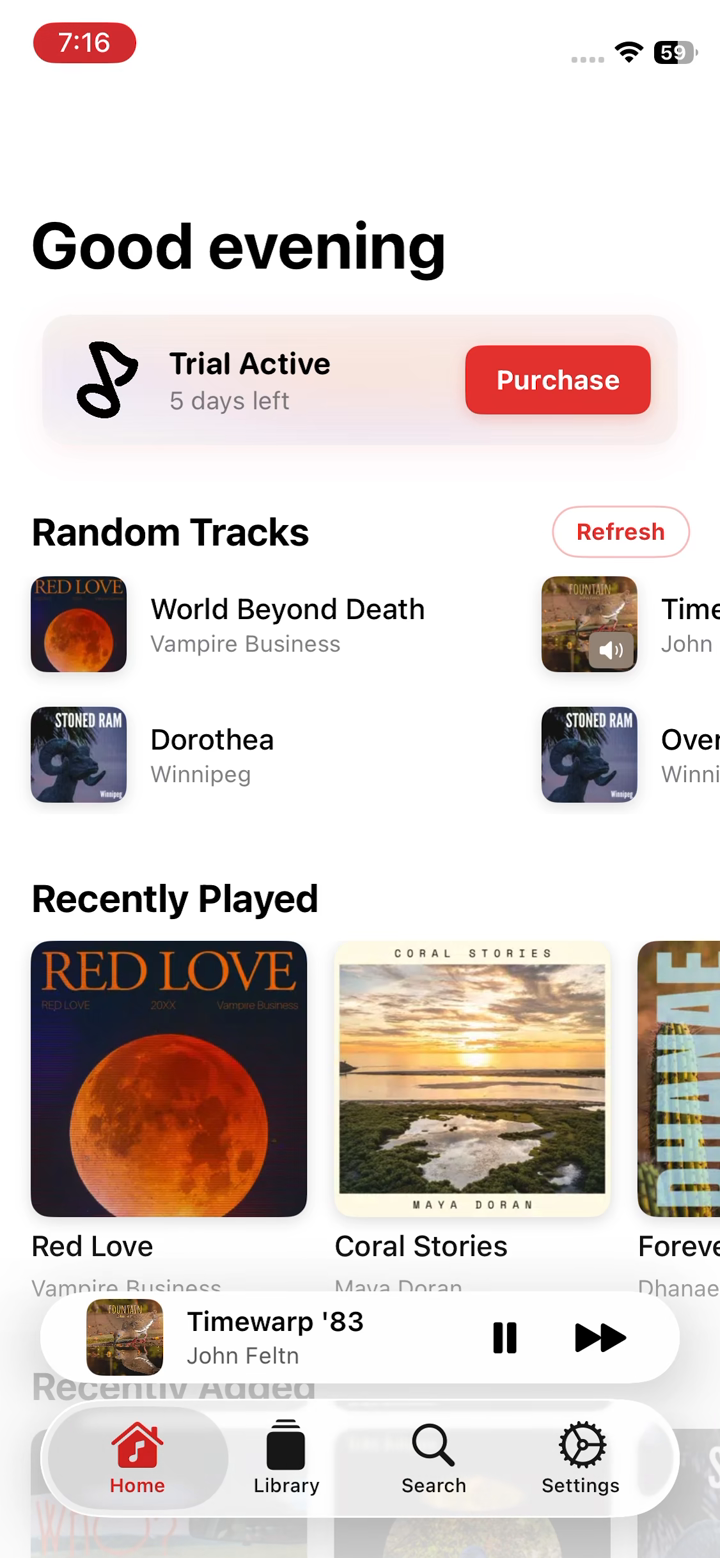
Save the configuration and Juliet connects right away. When your library loads on the Home screen (Random Tracks, Recently Played and Recently Added), you're in.
Back in Settings, the Connected to row shows whether you're on Home or Away, and you can switch it by hand any time.
How Home & Away switching works
Juliet probes your local address first for a fast connection at home, and falls back to the remote address instantly when it isn't reachable. It re-probes automatically when your network changes, so leaving and rejoining Wi-Fi triggers a fresh check. Same credentials, only the host differs.
Making your server reachable remotely
For the remote address to work away from home, your server needs to be reachable from the internet, commonly through an HTTPS reverse proxy, a forwarded port, or a VPN back to your home network. Juliet works with any Subsonic 1.16.1 or OpenSubsonic server, including Navidrome, Airsonic and Gonic.
Not connecting? Double-check that both addresses are reachable and that you're using the same credentials for each. Still stuck? Email us and include your server software and version.